EntornosRankingComunidadWriteupsPreciosGorka
Entrar
  1. Home
  2. Environments
  3. NASA - Rails Approval Bypass via Mass Assignment

NASA - Rails Approval Bypass via Mass Assignment

MediumVDP · unpaidReal case · BugcrowdWith flag

Portal ficticio de aplicación a programas de investigación de la agencia espacial AURORA. El backend, escrito como Rails 7, procesa el registro vía `params.require(:user).permit(...)`. La whitelist incluye accidentalmente los flags internos `approved` y `active`, lo que permite a cualquier solicitante crearse una cuenta pre-aprobada y obtener acceso al área restringida en un solo POST Autora del Fallo:https://www.linkedin.com/in/isabela-l1ghtn1ng/ Objective: capture the flag.

Auth BypassAPI AbuseBAC
Log in to startSee the environment

1,904 views · 29 completed · updated Nov 2026

Access

Learn to find this bug

A real Bugcrowd hack, reproduced for you to practice.

Create your account and practise with real hacks. Download the environment, find the bug and learn the exact technique.

hunters training

hacking environments

environments solved

paid out for these bugs

Create account
I already have an account

Access to all environments · cancel the renewal anytime and keep what you paid for

Information

Platform
Bugcrowd
Difficulty
Medium
Duration
30 min
Bounty
No reward
Completed
29
Creator
@gorka
Updated
Nov 2026

The environment

ZIP with the environment and its autodeploy

You download it from here. Inside there's the environment and two scripts that start it for you, one per system.

autodeploy.shautodeploy.ps1
Create an account to download it

Only requirement: Docker

Nothing else. The autodeploy builds and starts the environment for you.

Autodeploy · one command

Linux and macOS

$./autodeploy.sh

Windows

PS>.\autodeploy.ps1

From inside the folder the ZIP creates. It prints the URL and credentials.

Objectives · the path, not the solution

  1. 01Identificar el stack del backend como Ruby on Rails 7
  2. 02Completar el flujo legítimo de aplicación enviando el formulario público
  3. 03Inspeccionar respuestas autenticadas
  4. 04Construir el payload de mass assignment
  5. 05Extraer la flag

Prerequisites

  • Conocimientos HTTP
  • Burp Suite

Tools

  • Burp Suite
  • Navegador

Latest to solve it

  • @cyzk09 days ago
  • @elc0ket10 days ago
  • @noniná_sec25 days ago
  • @espejoramirezhugoOct 2026
  • @sharat chandraOct 2026
  • @pippen_3Sep 2026
  • @emperadorSep 2026
  • @r00thorSep 2026

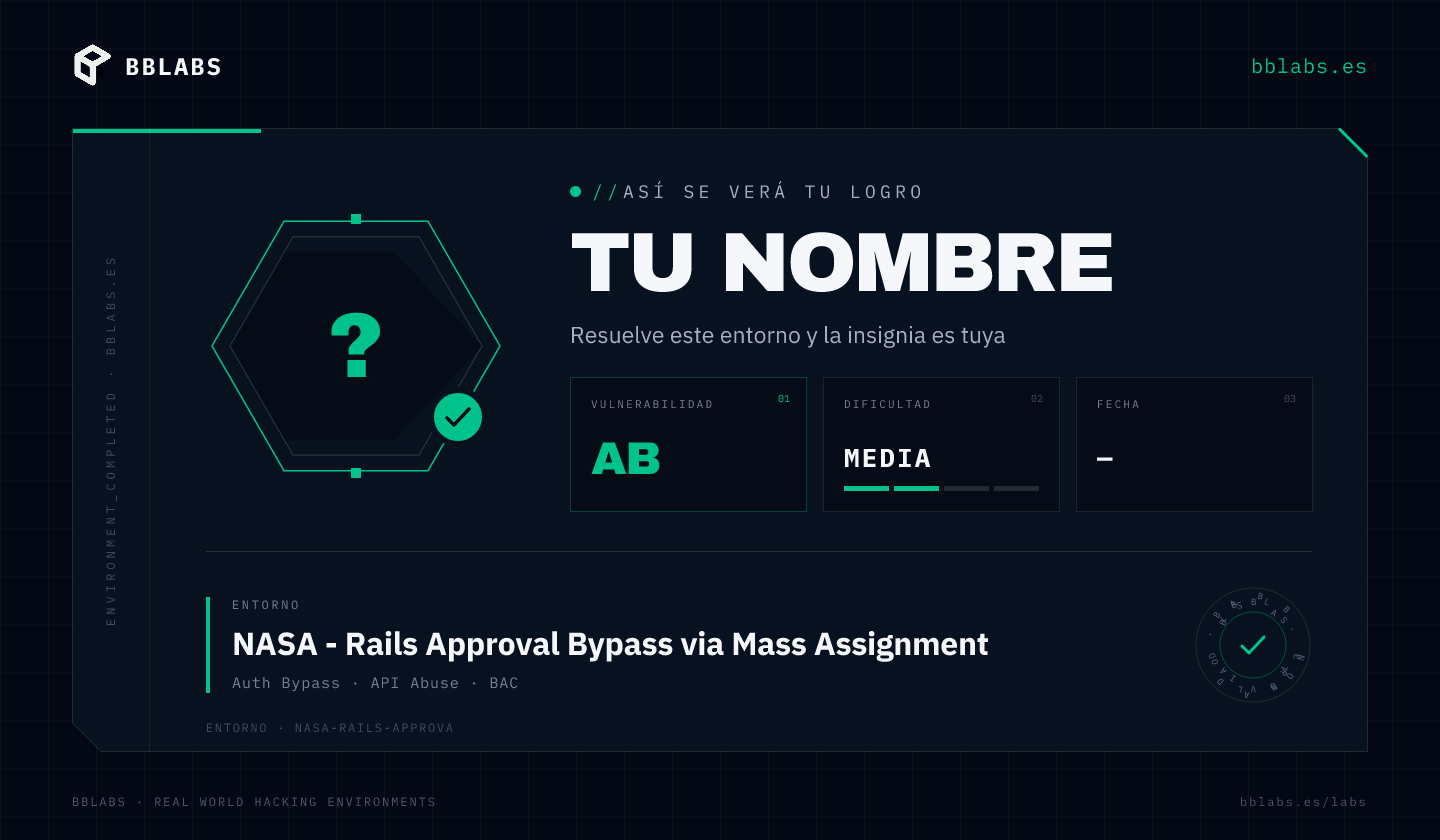
The badge

Achievement you'll earn

Solve this environment to unlock this shareable achievement

Solve this environment to unlock this shareable achievement

Community writeups

Free · no account

The checklist I run on every new target

47 checks ordered by cost: first what can get you in trouble, then the cheap stuff, and finally the expensive stuff — which is where the big bounties are. I'll send it to your inbox right now.

Unsubscribe in one click, from any email.

AURORA Mission Research Gateway es un programa ficticio de la agencia espacial AURORA cuyo objetivo declarado es coordinar el acceso de investigadores externos a datasets restringidos, mission briefs y canales de curaduría. El portal es la cara pública del programa: investigadores institucionales rellenan un formulario, justifican su solicitud y quedan en una cola de revisión que el equipo de Curator Operations procesa en 2-4 semanas.

El portal está construido sobre un stack Ruby on Rails 7 con Passenger como upstream, nginx como reverse proxy y un set de cabeceras canónicas (X-Runtime, X-Request-Id, Set-Cookie: _aurora_session=…; HttpOnly; SameSite=Lax). Los formularios incluyen el típico <meta name="csrf-token"> y un hidden <input name="authenticity_token"> HMAC-signed con TTL de 1 hora — el backend valida ambos.

Internamente, el controlador UsersController#create recibe los parámetros bajo el namespace user[…] clásico de Rails y los filtra con params.require(:user).permit(...). Esta whitelist se comparte con un flujo interno de "partner onboarding" que el equipo usa para crear cuentas pre-aprobadas para instituciones aliadas, y por eso incluye los campos approved, active y role además de los visibles en el formulario público. Nunca se separaron las dos rutas; ambos casos pegan al mismo endpoint con la misma whitelist.

Las cuentas creadas por el formulario público arrancan con approved=false, active=false porque el HTML no envía esos campos, y los valores por defecto del modelo son false. Pero un atacante que inspeccione /api/me ve los nombres exactos (approved, active) en la respuesta JSON — y al re-emitir el POST de registro añadiendo esos parámetros, la whitelist los acepta tal cual y la cuenta queda creada ya aprobada y activa, saltándose por completo la cola de curaduría.

La flag vive en el campo classified_token del archive AUR-RA-003 ("Operation Blackpoint — Restricted Research Token") dentro de la sección "Restricted Archives" del dashboard interno, accesible solo bajo approved=1 AND active=1.

Flag

$ ./flag/verify.sh
FLAG{0ce371287c7f4067db1a7ac6f46da93d}

# o directamente:
$ printf '%s' 'aurora::rails::mass_assignment::approved_flag_internal_token' | md5sum
0ce371287c7f4067db1a7ac6f46da93d  -

Preimagen: aurora::rails::mass_assignment::approved_flag_internal_token

Algoritmo: MD5 · Flag: FLAG{0ce371287c7f4067db1a7ac6f46da93d}

The community

This isn't a platform with users.It's people breaking the same things you are.

Inside people ask, share what they found and solve together what would block anyone on their own. It's free to join: no account, no plan, no email required.

Join the Discord

Free and open. You don't need a BBLABS account to join.

Aprende hacking con entornos que replican hackeos reales.

Producto

  • Entornos
  • Hacker Roadmap
  • Arena · ranking
  • Precios
  • Empresas

Aprender

  • Aprender desde 0
  • Academy
  • Blog
  • Writeups
  • Crew · Discord

Más

  • Gorka
  • Términos
  • Privacidad
  • Cookies
  • team@bblabs.es
© 2026 BBLABS · Hecho en Españalabs.bblabs.escrew.bblabs.esacademy.bblabs.esarena.bblabs.esblog.bblabs.esbugbounty.bblabs.esteams.bblabs.es